
 62s
62sArticle
Should you run GoHighLevel SMS through your own Twilio account?
Two systems, one texting problem: here is when your own Twilio account helps in GoHighLevel and where it breaks.
WatchIf your follow-ups keep firing after a reply, here is the two-part fix: Stop on Response plus one reply handler workflow.
Here is why GoHighLevel keeps sending follow-ups after a customer replies, and how to stop it.
A customer texts back, but your follow-ups keep firing anyway. That happens because Stop on Response is off, or because a second workflow also has that contact enrolled.
Before you change anything, check the contact's enrollment history. You may find Workflow A sent the message, and Workflow B also has the contact enrolled.
Turn on Stop on Response inside every follow-up workflow. Then build one reply handler workflow that triggers on Customer Replied, tags the contact Replied, and removes them from each sequence.
Check your enrollment history, flip that setting, and build the handler. More at ghl.yotomations.com.
Why is GoHighLevel still sending follow-ups after a customer replies?: GoHighLevel still sending follow-ups after a reply? Find which workflow sent it, turn on Stop on Response, and add a reply handler that works.
62sTwo systems, one texting problem: here is when your own Twilio account helps in GoHighLevel and where it breaks.
Watch 57s
57sGoHighLevel handles customer-based project work well. Here is how to build a delivery pipeline, sync Asana, and skip the duplicate trap.
Watch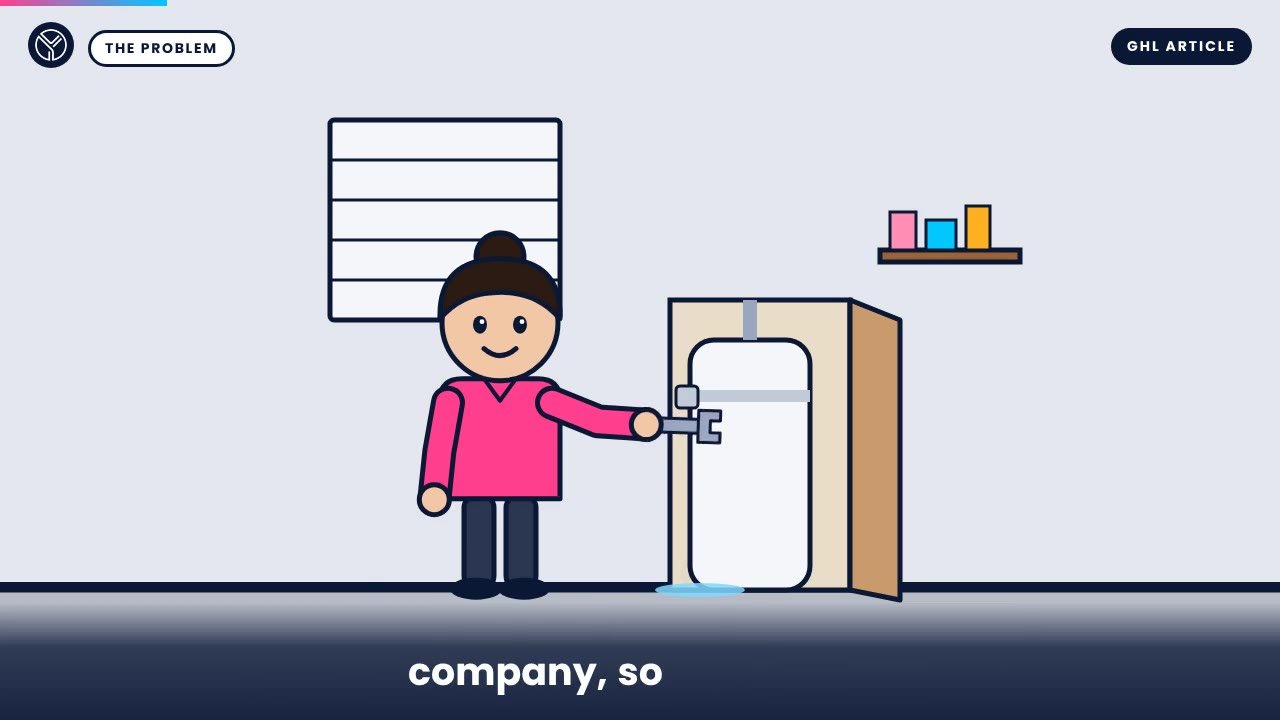 65s
65sA plumber loses a water heater job to a slow callback, then one GoHighLevel workflow answers every lead in seconds.
WatchBook a 30-minute call. We look at your setup and tell you what we would build first and what it would cost.
No pitch deck. We look at your current setup and tell you what we would do and what it would cost.Need more than GoHighLevel? Yotomations, our parent company, also builds AI agents, custom software and websites.